 Workspace
Your counter, your stock and your M‑Pesa, in one place.
DarajaERP Workspace runs the till, the stock book and the back office for shops, pharmacies, restaurants and wholesalers in Kenya. Built and supported by BlueBridge Group.

Ring up a sale right here.
Tap a few products, take payment, and get the receipt. This is how the counter works in DarajaERP Workspace (sample shop, nothing is charged).
 DarajaERP POSMto Mini Mart · Kilimani (sample)
After payment you get a sample receipt with the shop's details, the M-Pesa code and the DarajaERP Workspace footer. In the real till you can also scan barcodes, split Cash + M-Pesa, pick a payment that came to your Till or Paybill, and give change.
From opening the till to checking sales at home.
Open the till
The cashier opens the register with the float. Products and prices are ready.
M-Pesa at the counter
STK push to the customer's phone. The sale closes when the money lands.
Stock warning
An item is running low at one branch. Transfer some from the store.
Close the register
Cash expected vs counted, M-Pesa and expenses, in one report.
Owner checks from home
Today's sales for every branch, on the phone.
Pick yours.
Shops & supermarkets
- Barcode scanning and quick product tiles
- Low-stock alerts per branch
- Cash, M-Pesa and split payments
- Close-of-day register report

Pharmacies
- Batch numbers and expiry dates
- A lowest-price guard on every line
- Customer history and balances
- Stock across branches

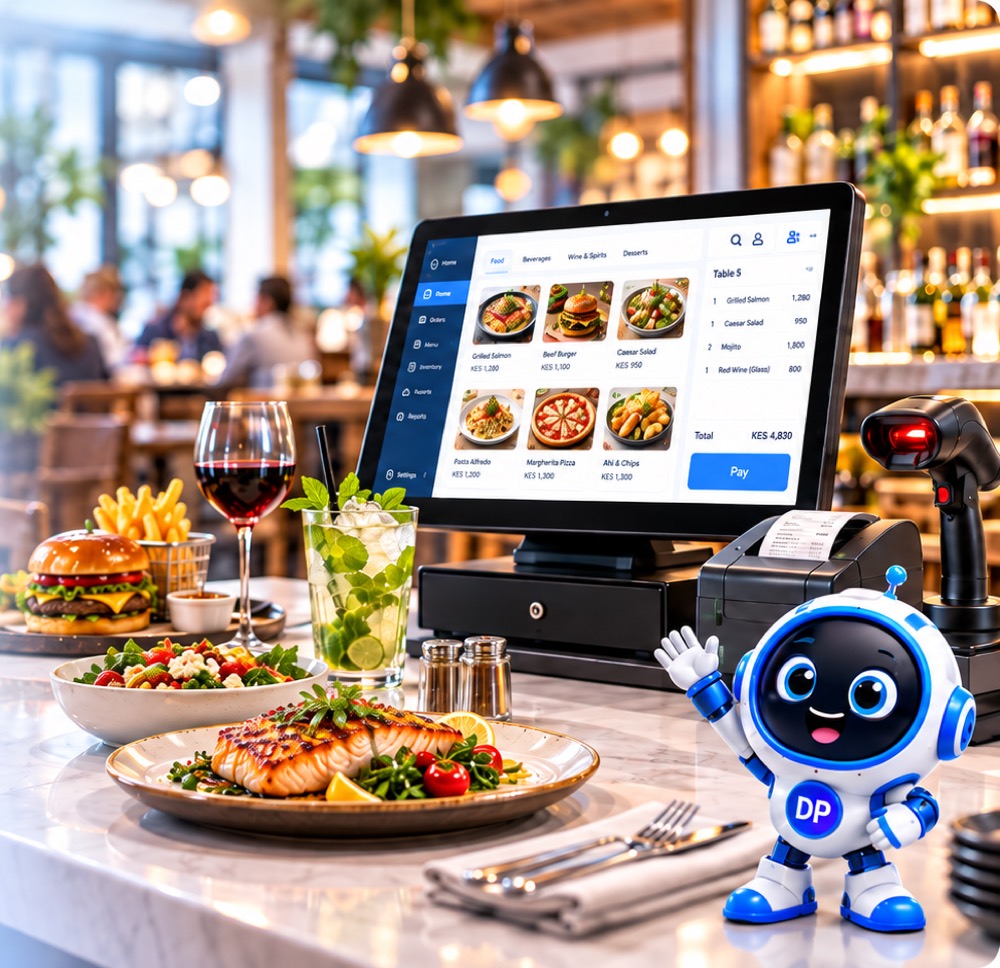
Restaurants & bars
- Tables, waiters and kitchen orders
- Suspend a bill and resume it later
- M-Pesa at the table
- Register report at closing
Wholesale & distributors
- Price groups and credit limits
- Sales orders and deliveries
- Transfers between stores
- Customer statements

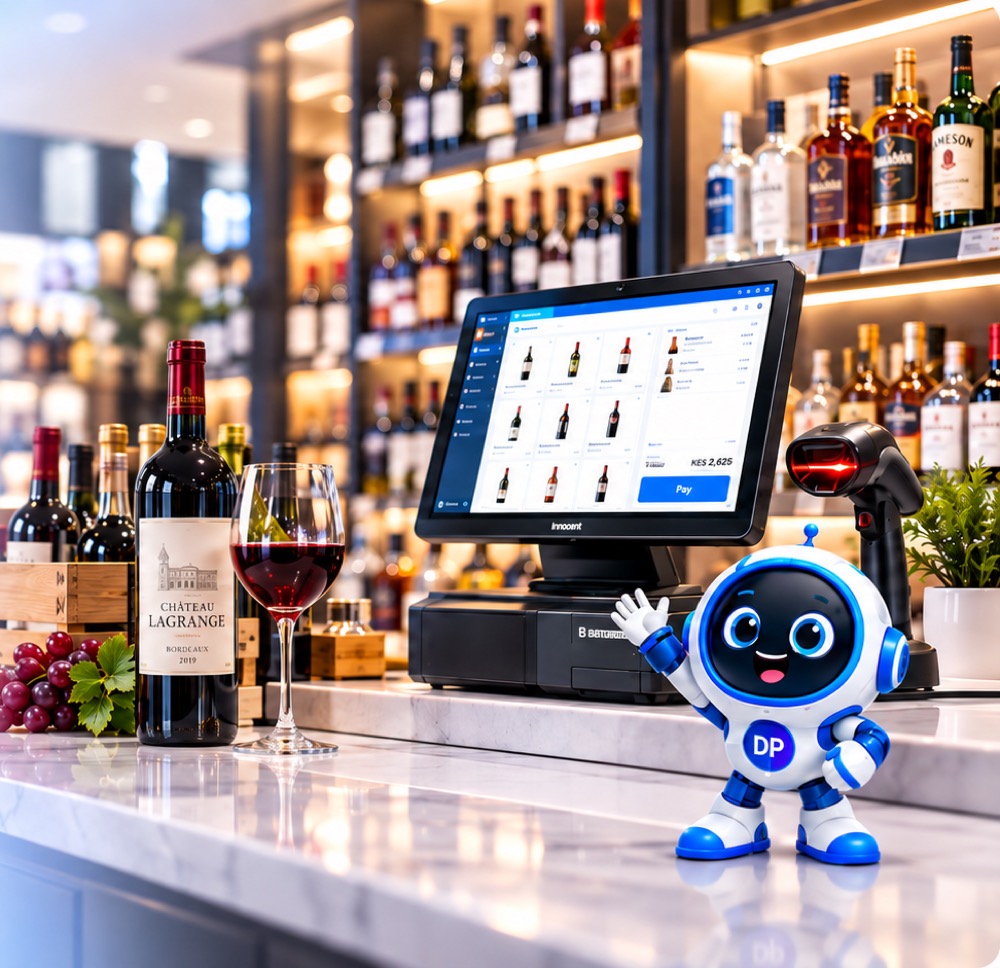
Wines & spirits
- Fast bottle sales at the counter
- Stock counts and adjustments
- Many branches, one view
- M-Pesa Till matching
Hardware
- Units like metres, bags and pieces
- Quotations that become invoices
- Supplier balances
- Credit sales with due dates


Built and supported by BlueBridge Group
DarajaERP Workspace is designed, hosted and supported by BlueBridge, a Kenyan technology company. When you call, you reach the people who build it.
Good to know
Does it work on a phone?
Yes. The till works on a laptop, tablet or phone, and owners can check sales from anywhere.
How does M-Pesa work?
Send an STK push from the till, pick a payment that came to your Till or Paybill, or enter the code. Each code can only be used once.
Can you move my Excel stock?
Yes. Products, prices and opening stock can be imported from a spreadsheet, and the BlueBridge team can help.
Who can see what?
Each user has their own login and permissions, the till locks when idle, and changes are kept in an audit trail.
Can I run more than one branch?
Yes. Each branch has its own stock and till, and you can see them all together or one at a time.
Who supports DarajaERP Workspace?
BlueBridge Group, the Kenyan company that builds it. Call or WhatsApp 0731 900 100.
See DarajaERP Workspace with your own products.
Leave your number and a BlueBridge Group team member will call you.